FOCUSQUARE
Simple focus timer with 8 customizable presets and cross-device sync.
One tap. Full focus.
Get it on Google PlayFree · Android · In‑app purchases
The method
-
STEP 1
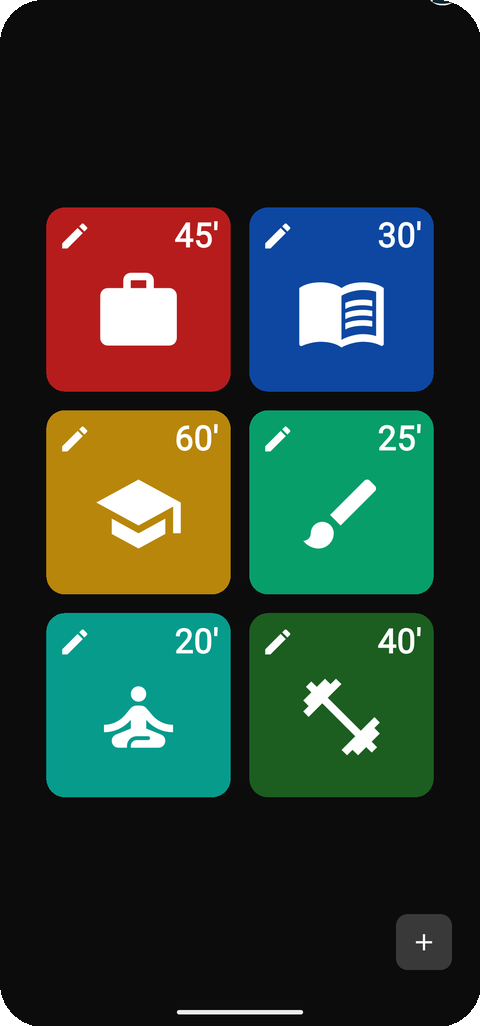
Pick a square
25–60 minutes. Yours to set.
-
STEP 2
Single-task
One thing until the alarm.
-
STEP 3
Break. Repeat.
Step away, then go again.
Why squares work
A fixed square turns "work on it" into a commitment you can actually finish, and the countdown gives the session a tangible end. That end is what protects deep work — one task owns the square, everything else waits. Each completed square is also a recorded win, and the record adds up.
Features
-
One-tap presets
Tap a square — it's running.
-
Distraction-free
Fullscreen color. No text. No clutter.
-
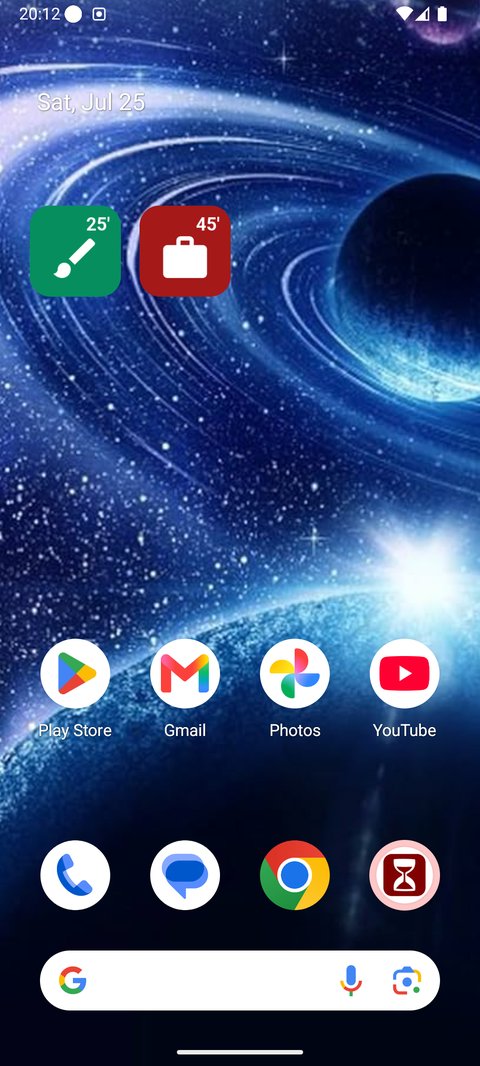
Home-screen widgets
Start without opening the app. FOCUSQUARE+
-
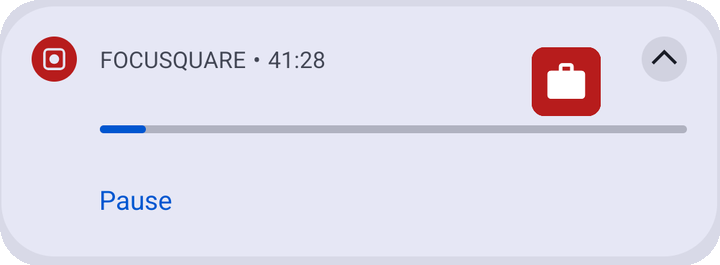
Live notification
Countdown and progress in the shade.
-
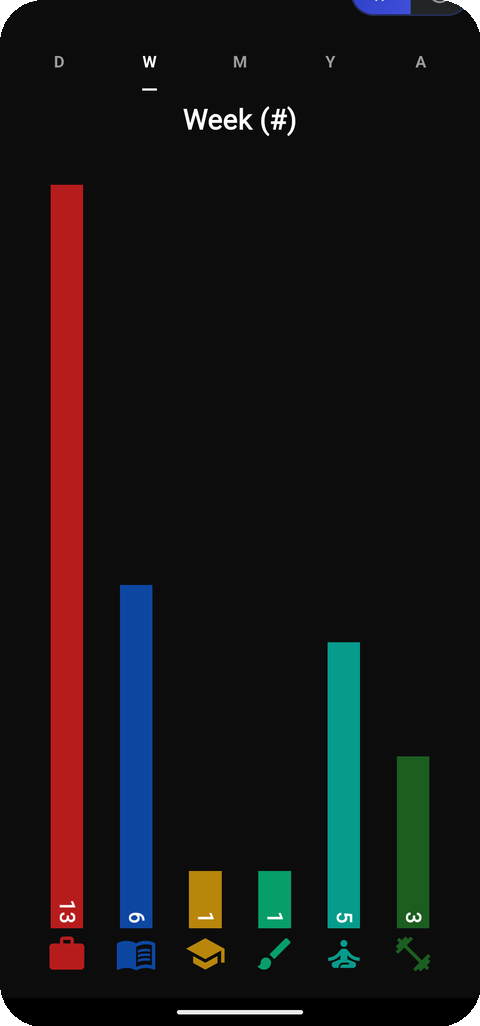
Statistics
Day to all-time. Minutes or sessions.
-
Cross-device sync
Optional sign-in. Guest mode works fully.
FOCUSQUARE+ — eight timers instead of four, more colors and icons, full history, widgets.
The app
The timer lives in your notification shade.
Countdown and progress right in the notification — pause and resume from there. It keeps counting even if the app is killed, and rings an exact alarm at the end.

One tap.
Full focus.
Get it on Google Play
Free · Android · In‑app purchases